


Best Tablets for Studying in 2026: From Notes to Zoom and Technical Drawings
January 2, 2026
Education has long moved beyond a couple of daily lectures and a paper notebook. Today, it’s 200-page PDFs, cloud notes, drawing directly on the screen, and endless Zoom calls. So, a tablet is no longer just a “reading screen” — it’s a work tool that needs to keep up with the pace of an entire academic day.
We’ve gathered models that actually deliver: they don’t lag, hold a charge, and won’t fall apart in your backpack. Stylus, screen, battery — everything’s in place. No “wow effects,” but exactly what you need for studying.
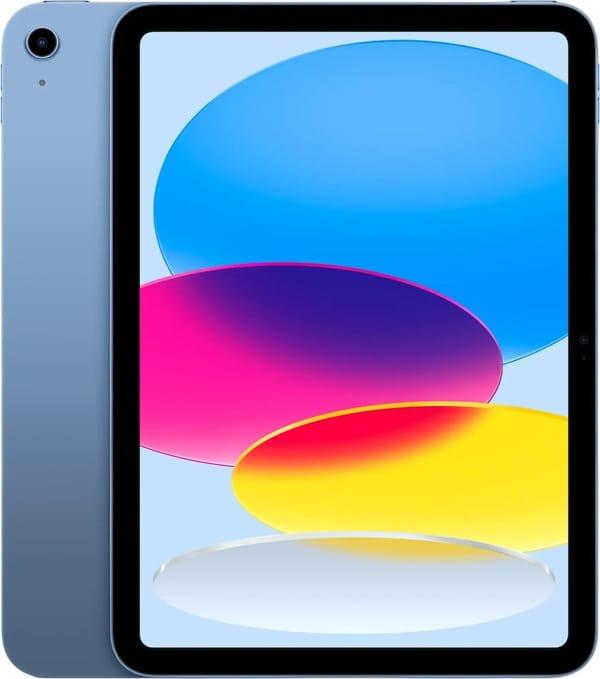
1. Apple iPad 2025
Apple iPad 2025 — quickly opens everything you need, convenient for note-taking, reading articles, and watching lectures. Lightweight, compact, and works reliably. Touch ID support is a nice bonus, especially if you carry the tablet around.
The screen is sharp, easy on the eyes, with stereo sound — good for video lessons and background music. The battery lasts all day. It charges via USB-C, so no cable issues. No stylus included, but it’s supported if you want one.
Key Features:
Touch ID support
Stereo speakers
Sharp IPS display
Compact body
Specifications:
Processor: Apple A16
Internal storage: 128 GB
Screen: Liquid Retina IPS LCD
Rear camera: 12 MP
Front camera: 12 MP
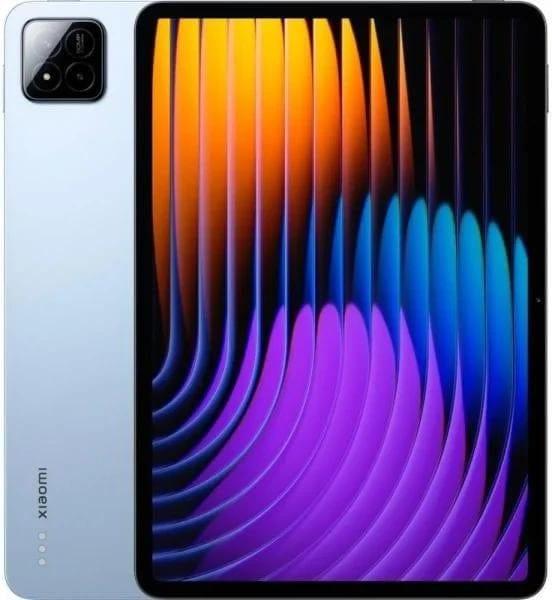
2. Xiaomi Pad 7 Pro
Xiaomi Pad 7 Pro — this tablet is for those who like to keep everything under control: a couple of apps in the background, Zoom videos, textbook tabs — it handles it all smoothly. The 144 Hz screen refresh rate makes visuals super smooth, and there’s enough storage to avoid weekly cleanups.
The front camera is decent, especially for calls. The sound is immersive: four speakers with Dolby Atmos deliver more than expected. Stylus support is optional. The body doesn’t feel bulky despite the large screen.
Key Features:
144 Hz display refresh rate
4 stereo speakers with Dolby Atmos
Stylus support
Large internal storage
Specifications:
Processor: Snapdragon 8s Gen 3
Internal storage: 512 GB
Screen: IPS
Rear camera: 50 MP
Front camera: 32 MP
Battery: 8850 mAh
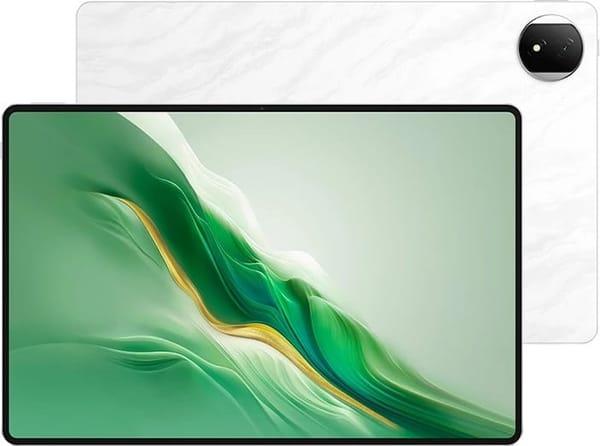
3. Honor MagicPad 2
Honor MagicPad 2 — ideal when you want a big screen, great sound, and a slim body. Perfect for reading, drawing, note-taking — or even movies in the evening. The OLED display is vibrant, with fast response, and the IMAX-style sound is loud and effective.
The tablet doesn’t lag even with multiple windows open. It’s lightweight, so you can easily carry it around. An ideal all-rounder — for studying, creativity, and a bit of entertainment. It handles everything.
Key Features:
Vivid OLED with 144 Hz
8 speakers + IMAX Enhanced
Fast 66W charging
Stylus support
Specifications:
Processor: Snapdragon 8s Gen 3
Internal storage: 256 GB
Screen: OLED
Rear camera: 13 MP
Front camera: 9 MP
Battery: 10500 mAh

4. ZTE Nubia Pad Pro
ZTE Nubia Pad Pro — all about stress-free studying: quickly switch from lectures to notes, then to Zoom, and back. Everything runs smoothly, no freezes. The large screen has smooth scrolling, and your eyes won’t tire even after hours of reading. The metal body feels nice, doesn’t rattle, and won’t bend.
It performs reliably: videos don’t lag, apps open fast, and calls go through without issues. The sound is decent — you can watch lectures without headphones. The cameras are basic but fine for calls and scans. Nothing extra, but exactly what’s needed.
Key Features:
Smooth screen
Metal body
Stereo speakers
GPS support
Specifications:
Processor: Snapdragon 8 Gen 3
Internal storage: 256 GB
Screen: IPS
Front camera: 20 MP
Battery: 10,100 mAh
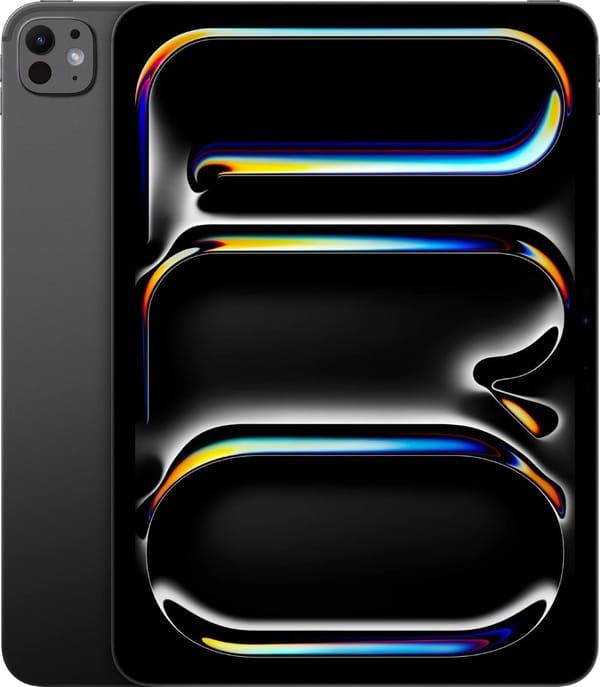
5. Apple iPad Pro 11
Apple iPad Pro 11 — closer to a workstation. If studying involves not just reading but also graphics, notes, and presentations, this model can easily replace a laptop. Everything runs smoothly, with no distractions. The screen is sharp, colors are accurate, and your eyes won’t tire even after a full day.
A stylus and keyboard aren’t just “optional” — they’re almost a must, especially for drawing diagrams or typing quickly. The sound is balanced, perfect for lectures, videos, and calls. The interface is familiar and intuitive, so no learning curve.
Key Features:
OLED display with excellent color accuracy
Stylus support
4 speakers
Lightweight and slim body
Specifications:
Processor: Apple M5
Internal storage: 256 GB
Screen: Ultra Retina Tandem OLED
Rear camera: 12 MP
Front camera: 12 MP
6. Samsung Galaxy Tab S10 FE
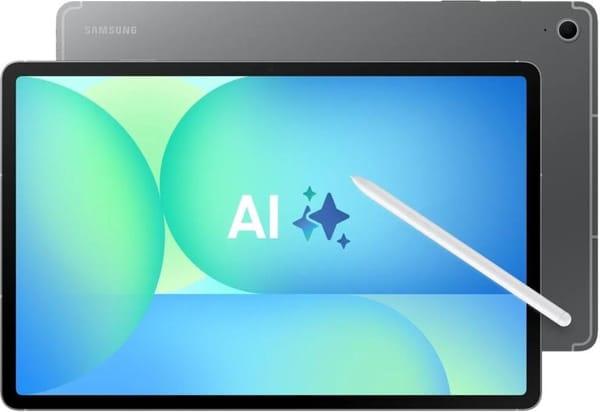
Samsung Galaxy Tab S10 FE — for those who carry a tablet every day. It’s water- and dust-resistant, so trips, a bit of rain, or coffee nearby won’t be an issue. The large screen is great for reading, note-taking, and filling out tables. A stylus is included, a big plus — no need to buy separately.
It works without surprises: the interface is logical, everything responds quickly. The cameras are simple but sufficient for video calls. The battery easily lasts a full study day, even with frequent Wi-Fi use and video streaming.
Key Features:
Water and dust resistance
Stylus included
Memory card support
Fingerprint scanner
Specifications:
Processor: Samsung Exynos 1380
Internal storage: 256 GB
Storage: microSD (up to 2 TB)
Screen: IPS
Rear camera: 8 MP
Front camera: 12 MP
Battery: 8000 mAh
7. OnePlus Pad 3
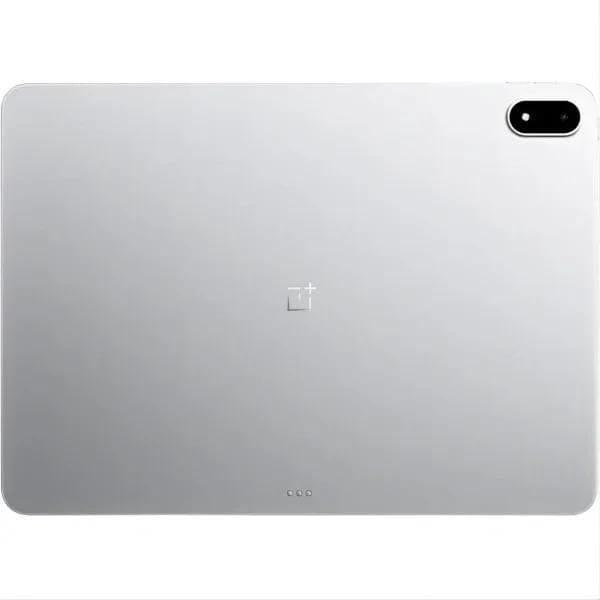
OnePlus Pad 3 — the choice when you want it all: a big screen, fast performance, and no need to worry about charging during the day. It’s great for note-taking, watching lectures, and keeping multiple apps open at once. The interface is clean, uncluttered — everything’s in its place.
The sound is decent, not too quiet, and the screen isn’t harsh on the eyes — perfect for diving into texts or diagrams. The metal body is reliable but not heavy. A solid pick if you carry your tablet daily and don’t want to fuss with settings or constant recharging.
Key Features:
Large screen, great for reading and notes
Handles multitasking with ease
Suitable for calls and lectures
Metal body, sleek design
Specifications:
Processor: Qualcomm Snapdragon 8 Elite
Internal storage: 512 GB
Screen: IPS
Rear camera: 13 MP
Front camera: 8 MP
Battery: 12,140 mAh
8. Xiaomi Pad 7
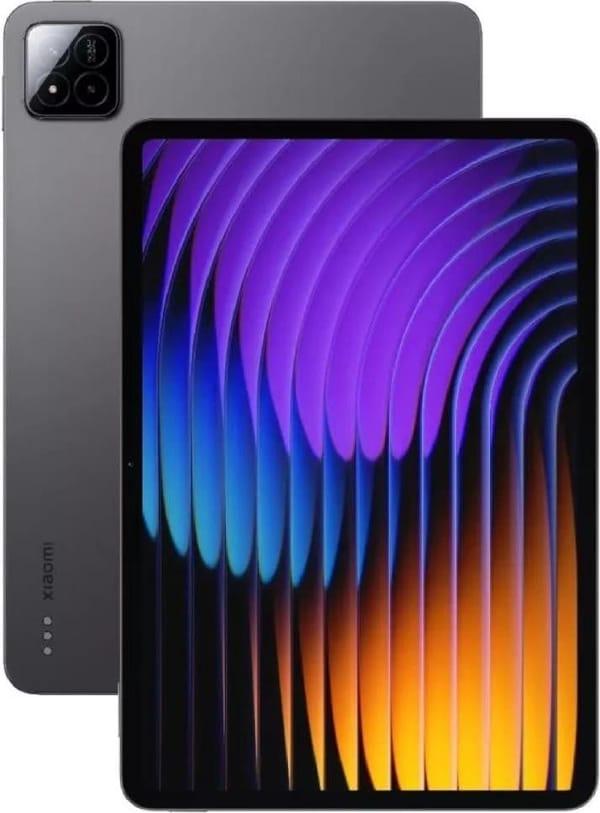
Xiaomi Pad 7 — a simple, straightforward tablet for daily studying. Great for reading, note-taking, communication, and documents. The interface isn’t overwhelming, easy to figure out even for first-time tablet users.
The screen is sharp, easy on the eyes, especially during long sessions. It’s lightweight and doesn’t take up much space in a backpack. A calm all-rounder: for school, university, or home. No extra features, but everything you need is at your fingertips.
Key Features:
Convenient for reading and studying
Optimal screen size
Reliable performance, no complex setup
Suitable for home and travel
Specifications:
Processor: Qualcomm Snapdragon 7+ Gen 3
Internal storage: 256 GB
Screen: IPS
Rear camera: 13 MP
Front camera: 8 MP
Battery: 8850 mAh
9. Samsung Galaxy Tab S11 Ultra
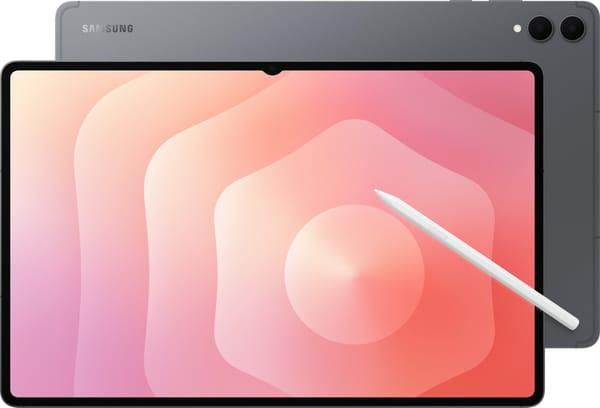
Galaxy Tab S11 Ultra — a tablet that can easily replace a laptop. The huge screen fits everything, making it convenient for multitasking — from presentations to Zoom. It includes a stylus for handwritten notes, drawing diagrams, or sketching ideas on the go.
It runs reliably, with no overheating or slowdowns. The protected body ensures it survives travel and busy days. Cameras, sound, and battery life are all top-notch, as expected from a flagship.
Key Features:
Large screen, perfect for multitasking
Stylus for notes, diagrams, and sketches
Durable for heavy use and travel
Specifications:
Processor: Mediatek Dimensity 9400+
Internal storage: 512 GB
Storage: microSD (up to 2048 GB)
Screen: Dynamic AMOLED 2X
Rear camera: 13 + 8 MP
Front camera: 12 MP
Battery: 11600 mAh
10. Apple iPad Air 11
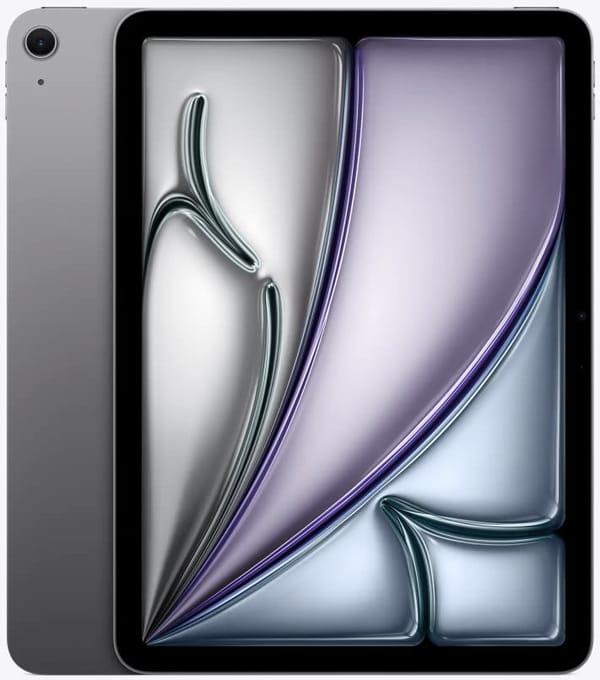
Apple iPad Air 11 — a tablet for those who want no fuss. Everything works reliably, intuitively, with no surprises. Familiar iOS, simple controls, suitable for everything: from notes and PDFs to online classes and video calls.
The screen is comfortable for long work sessions, and the body is convenient for a backpack or bag. The tablet easily handles study apps, video calls, and everyday multitasking.
Key Features:
Simple and reliable to use
Comfortable screen for extended work
Handles daily workloads well
Specifications:
Processor: Apple M3
Internal storage: 128 GB
Screen: IPS
Rear camera: 12 MP
Front camera: 12 MP
11. Lenovo Tab M11
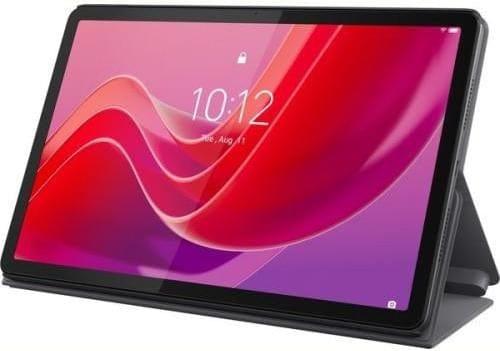
Lenovo Tab M11 — all about comfortable studying without overload. The 11-inch screen isn’t too big or too small — perfect for lectures, notes, and reading on the go. The tablet is lightweight and doesn’t take up much space in a backpack. Plus, it comes with a stylus — no need to buy one separately.
It runs on Android 13, handling any study app without issues. It has basic water resistance, so accidental splashes won’t harm it. The sound comes from four speakers, so you can listen to lectures without headphones. It also supports microSD if you need more storage.
Key Features:
90 Hz refresh rate
Stylus included
IP52 protection
Convenient for reading and quick notes
Specifications:
Processor: MediaTek Helio G88
Internal storage: 128 GB
Screen: IPS
Rear camera: 8 MP
Front camera: 8 MP
12. Samsung Galaxy Tab S10 FE+
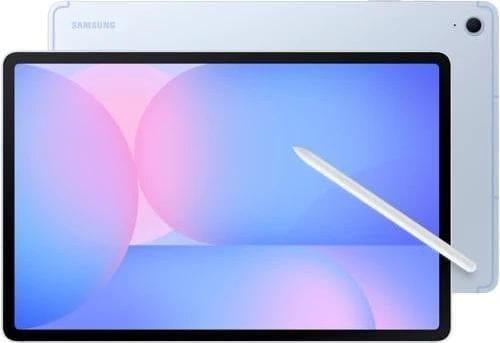
Galaxy Tab S10 FE+ — closer to a versatile work tablet. The large screen is great for both work and watching lectures. Stylus support for diagrams, underlining, and handwritten notes. Everything opens quickly, no lags.
The tablet handles daily studying with ease — at home, in class, or on the go. The protected body means you don’t have to worry about it. And if storage runs low, there’s a slot for a memory card up to 2 TB.
Key Features:
Screen works well as a workspace
Stylus support
Protected body
Specifications:
Processor: Samsung Exynos 1580
Internal storage: 128 GB
Storage: microSD (up to 2 TB)
Screen: IPS
Rear camera: 13 MP
Front camera: 12 MP
Battery: 10900 mAh
13. Apple iPad mini 7
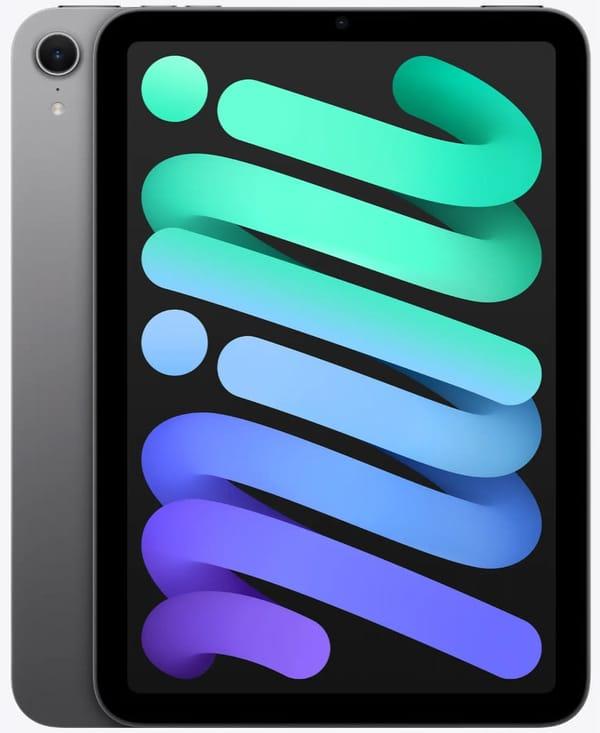
iPad mini 7 — perfect if you want something compact to always have on hand. It’s lightweight, slim, fits in a bag, and is easy to use with one hand. Reading, notes, study platforms, Zoom — it handles it all.
Despite its size, it’s powerful enough. It runs reliably with no freezes. A great option for students and schoolkids who need to stay mobile and on the move.
Key Features:
Compact format — easy to carry
Convenient for reading and note-taking on the go
Great for online studying
Fast and reliable
Specifications:
Processor: Apple A17 Pro
Internal storage: 256 GB
Screen: IPS
Rear camera: 12 MP
Front camera: 12 MP
14. Lenovo Idea Tab Pro
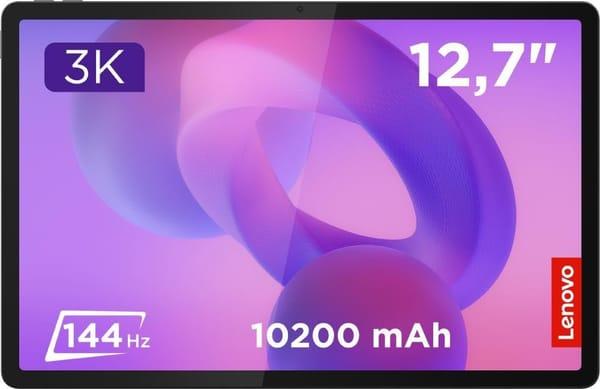
Lenovo Idea Tab Pro — an “all-in-one” option if you need power, a larger screen, and no hassle. Multitasking is a breeze: documents, video lessons, notes, calls — it all runs in parallel. The stylus is included, great for handwritten notes and file editing.
The 12.7-inch screen with a 144 Hz refresh rate offers excellent smoothness, especially for long viewing or scrolling. The tablet is slim and not bulky. A good front camera and speakers shine in Zoom and group classes. And if you need more space, microSD has you covered.
Key Features:
Large screen with high refresh rate
Stylus included
Great for video lessons and presentations
microSD for extra storage
Specifications:
Processor: MediaTek Dimensity 8300
Internal storage: 256 GB
Screen: LTPS
Rear camera: 13 MP
Front camera: 8 MP
Battery: 10200 mAh
Conclusion
Choosing a tablet for studying in 2026 isn’t about “which brand is cooler.” It’s all about your lifestyle: some need a compact tablet for a bag, others a bigger screen for diagrams and presentations, and some just want something that works without constant tweaking.
The good news? There’s plenty to choose from. This list includes lightweight daily models and laptop-replacement helpers. The key is not to chase specs for the sake of numbers but to pick what’s truly convenient for you. Sit down, turn it on, and everything just works. No stress.